
When introducing a new system, the real question is often not what it can do, but how it will actually be used in everyday work.
IntrApp was designed from the beginning to be more than just a “mandatory administrative interface.”
The goal is to create a system that people want to open and use every day.
Below are some recommendations on how we suggest using IntrApp.
Think of them less as strict rules and more as practical guidelines.
1. Use the tour – not only at the beginning
The built-in tour feature is not only useful during the first login. It can be opened again at any time to quickly review the core functions or refresh your memory.
It is especially useful when:
- new features appear
- you revisit modules you use less frequently
- new team members join the company
You don’t have to remember everything – the system helps guide you.
2. Customize the dashboard
The dashboard is not a fixed start page. Its purpose is to show the information that actually matters to you.
We recommend:
- hiding blocks that are not relevant
- highlighting frequently used information
- adapting the layout to your personal workflow
This way, when you log in, you immediately see what matters – no searching required.
3. Make the app your own
IntrApp becomes much more comfortable to use when it feels personal.
Every user can customize things such as:
- visual appearance
- color themes
- light, dark, or system mode
These details may seem small, but over time they make a big difference in daily comfort and usability.
4. Feel at home in the system
A key design goal of IntrApp is intuitive usability. Over time, the system should feel natural to use, without needing to think about every step.
For example:
- deleting items always requires confirmation
- most deleted elements can be restored
- subpages include short descriptions to guide users
- if descriptions are distracting, they can be hidden with one click
The idea is to create a system where it feels safe to explore and experiment.
5. Hide what you don’t need
On the administration side, menu items can be controlled by roles and permissions.
If a user does not need access to a specific feature, it simply does not appear for them.
This results in:
- cleaner menus
- fewer misclicks
- faster onboarding
- fewer questions and uncertainties
A strong system is not one that shows everything, but one that shows exactly what is needed.
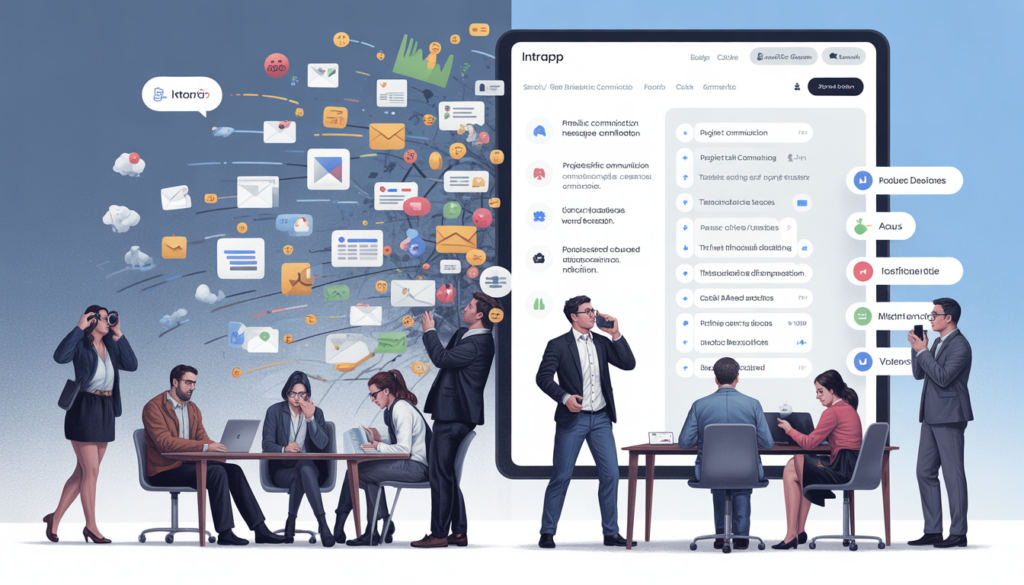
6. Transparent communication and activity logging
Internal communication is critical in every company. What is often underestimated, however, is the value of activity logs.
Logging is not about monitoring people. It is about:
- traceability
- transparency
- knowing who to contact when something happens
When something changes in the system, you don’t need to guess — you can simply check the history.
7. Use file search and OCR
The file manager is not just for storing documents.
With the built-in search and OCR technology, it is often possible to search inside files – not only by file name.
This is especially useful for:
- scanned documents
- PDFs
- retrieving older materials
Less time spent searching means more time for real work.
8. Take advantage of personal tools
IntrApp supports not only team workflows but also individual productivity.
Examples include:
- personal notes
- reminders
- email notifications
These tools are most effective when they are actively used, rather than treated as “nice to have” features.
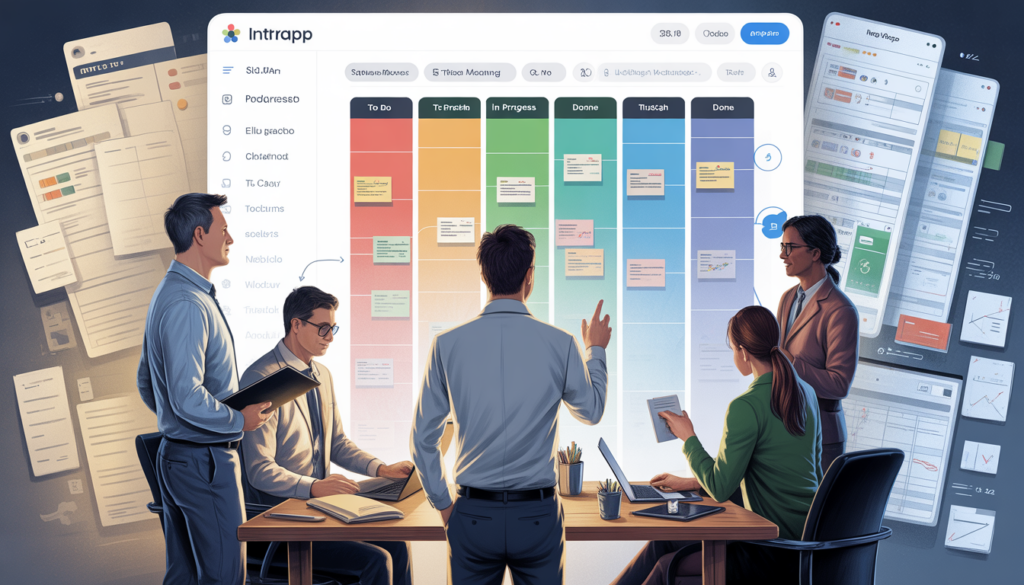
9. Use Kanban boards - seeing is better than guessing
Kanban is not just another project management buzzword.
It is based on a simple idea:
make work visible.
Kanban boards visually show:
- what still needs to be done
- what is currently in progress
- what has already been completed
A task is not just a line in a list – it becomes a card that moves forward.
This helps teams:
- avoid forgotten tasks
- prevent silent project delays
- maintain a shared understanding of progress
IntrApp’s Kanban boards are intentionally simple:
- separate boards for projects or processes
- clear statuses such as To Do, In Progress, and Done
- transparent task ownership
A simple recommendation: don’t keep everything forever
Not every board needs to live forever.
When a project is finished:
- archive the board
- or delete it if it is no longer needed
This is not a loss – it is organization.
The goal is to keep focus on current, active work, not a backlog of tasks from years ago.
A clean Kanban environment is:
- easier to understand
- less stressful
- better for focused work
10. Knowledge Space – keep knowledge out of people’s heads
Almost every company has the same hidden problem:
The knowledge exists – but it is scattered.
One person knows how a process works.
Another has an old document somewhere.
A third colleague “just remembers it.”
This becomes especially painful during:
- onboarding
- temporary replacements
- company growth
The IntrApp Knowledge Space (wiki) solves this by providing:
- categorized content
- unlimited articles and entries
- searchable knowledge in one place
Not only useful for onboarding
Many companies see knowledge bases only as onboarding tools. In reality, they are much more powerful.
They help:
- standardize operations
- reduce the “ask someone” dependency
- reduce pressure on experienced team members
A knowledge base works best when it is:
- not overly formal
- not a massive documentation system
- but a living, continuously updated knowledge base
And just like with Kanban boards:
If an article becomes outdated, update it or archive it.
Organization matters more than quantity.
Final thoughts: use it - that’s what it’s for
IntrApp does not become valuable because every feature is turned on.
It becomes valuable when:
- Kanban boards reflect real work
- the Knowledge Space contains useful information
- the system adapts to your workflow – not the other way around
If something is not needed:
- archive it
- delete it
- simplify it
The system is meant to live and evolve with your company.
The more it reflects how your team actually works, the more it will help – not only with productivity, but with clarity and peace of mind.