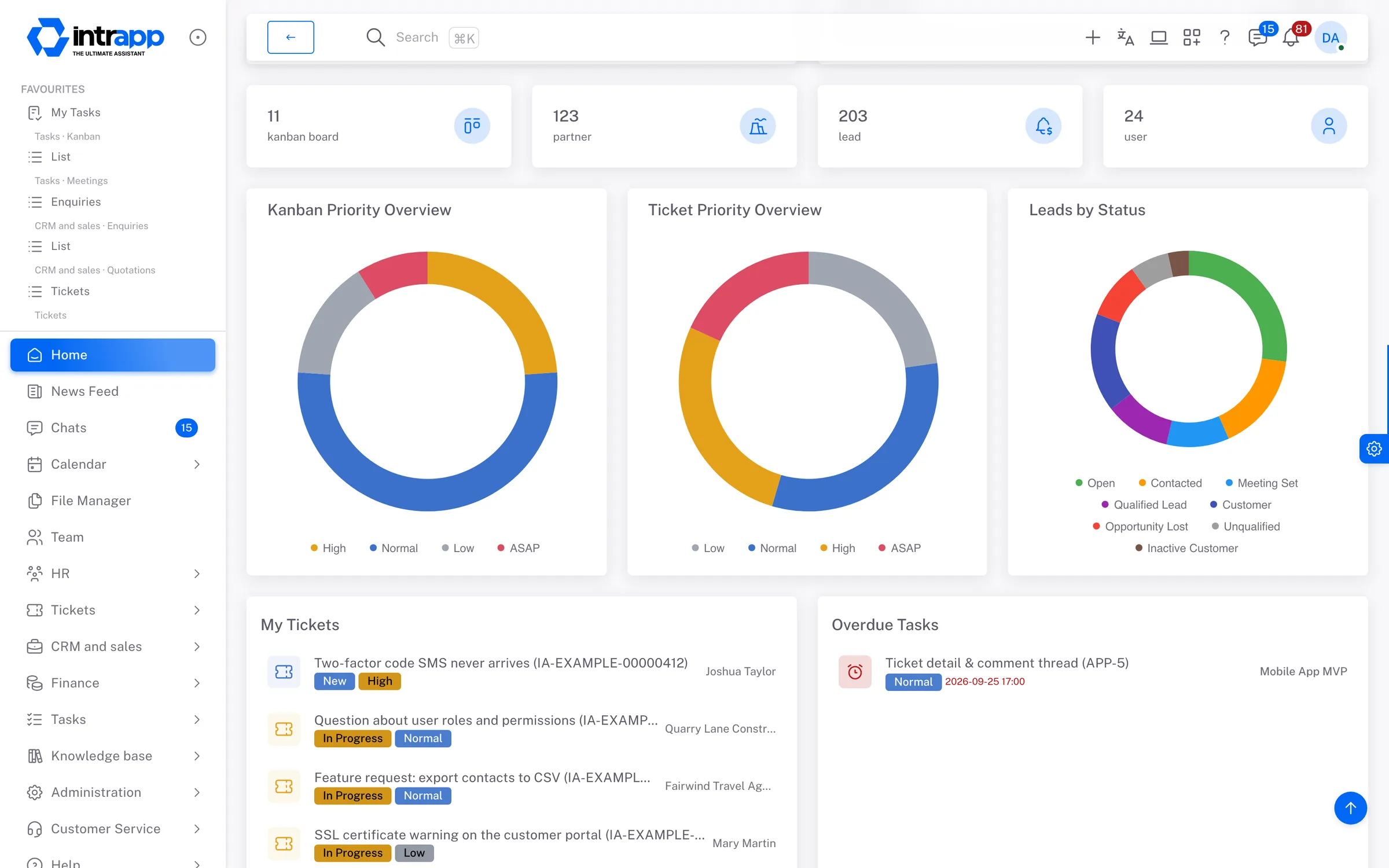
From signup to live in about half an hour
No rollout project, no consultant day rate, and nobody new to hire. This page walks through what happens in the first half hour, what happens in the first week, what happens as the company grows, and what happens when you need something that is not in there yet.
You can look at it, and you can try it, before deciding
This part comes first because it answers what this costs you before you have decided anything. The demo and the trial are two different things, and it is better to know the difference up front.
You start your own trial
If it is not for you, you cancel
Take a look inside
The demo opens with no sign-up and no card, and it resets to its base state every night. To see it on your own projects, that is what the trial is for.
The first half hour of your trial
From here on this is about the trial, not the demo, because nothing is installed when you only look at the demo. There is nothing to download and nobody to hire. After you sign up, the system installs itself at your own address, and by the time you first log in it is working. That takes about thirty minutes, and only a few of those minutes are yours.
What happens during that half hour
Nothing that needs you sitting in front of it. The steps go at your pace, and you can stop after any of them without leaving the system half configured.
You sign up
Setup runs
You log in and the walkthrough starts
You bring your colleagues in
What you have to decide now, and what can wait
Most rollouts do not fail on the software. They fail because on day one you are asked for thirty decisions about things you have not yet seen working. Here there are three decisions, and the rest can wait.
What genuinely cannot wait
What can wait
The person who hates new systems
Three fears with a simple answer
Nobody says these in a sales conversation, and all three of them are what the decision actually turns on.
We have no IT person
The team will not use it anyway
We already pay for five subscriptions
Things that make it easier to use
These four are the points a system usually fails on. Each one answers a specific failure, and every one of those failures only shows up in use, by which time it is hard to turn back.
Dashboard builder
Model & event log
Imports
Trash
What happens when the company changes
You find out what a system is really like when the team grows, when somebody leaves, or when a requirement turns up that nobody planned for. Those are the three cases.
Somebody joins
Somebody leaves
You need something that is not in there
What you do not have to look after
There is nothing for you to maintain and no system administrator to keep on staff.
Every customer runs in a separate environment with its own database, at its own address, and we watch it continuously. We usually know about a fault before you do, and it is typically fixed before you would have noticed. If it is not, you can write to us inside the app, and from then on the problem is ours. Every change goes through automated tests before it goes live.