Systems and tools
Your company already runs on something. Not a CRM and not an ERP, but the system your work, your customers and your decisions actually run on.
Walk into the main office of an installation company on a Tuesday morning, and you will see a large screen on the wall displaying the daily schedule. The screen shows names, addresses, and job statuses neatly organised in colour-coded rows. It looks like a company in full control of its operations.
Yet if you ask the person sitting at the desk if that board is accurate, they will shake their head. Three vans have been out on the road since seven in the morning. Materials have been picked up from the supplier, and two jobs are already finished. None of this is reflected on the large screen.
The board is blank because the people doing the physical work are not using the software. The company purchased a system to track everything, but that system only exists in the office. Out on the road, in the warehouse, and on the construction site, the daily routine runs on a mixture of handwritten notes, phone calls, and unsearchable chat messages. The system fails exactly where the real work happens, leaving the management blind and the field team frustrated.
When a company decides to digitise its workflows, the process usually takes place in a quiet room. A manager or an owner sits at a desk, looking at a twenty-four-inch monitor. They have a mouse in their right hand, a full keyboard in front of them, and a stable internet connection. In this environment, they map out the perfect data entry process for the team.
They build a form where the technician must log the arrival time, select the exact type of repair from a dropdown list, check boxes for the materials used, and type in a summary of the customer interaction. On a large screen with a mouse, clicking through this form takes fifteen seconds. It feels logical and complete.
The physical reality of the field worker is entirely different. They are standing on a ladder, or kneeling next to a leaking pipe in a dark basement. They have one hand free. Their hands might be dirty, wet, or wearing work gloves. The sun is glaring off the small glass screen of their phone, making the text barely visible.
When they open the company software and tap the screen, a massive ten-item dropdown menu appears. They have to scroll precisely to find the difference between a routine maintenance check and an emergency diagnostic visit. They try to tap the right option, but their thumb hits the wrong line. The form resets. They have a customer standing next to them waiting for an answer, and their next appointment is already calling them.
Faced with this friction, the worker makes a rational choice. They close the application, put the phone in their pocket, and do the physical job. They write the measurements and the used parts on the back of a delivery note or a piece of scrap paper. At four o'clock in the afternoon, they sit in the van and dictate the entire day's data over a phone call to the office manager. The perfect workflow built on a large monitor breaks apart at the very first physical barrier.
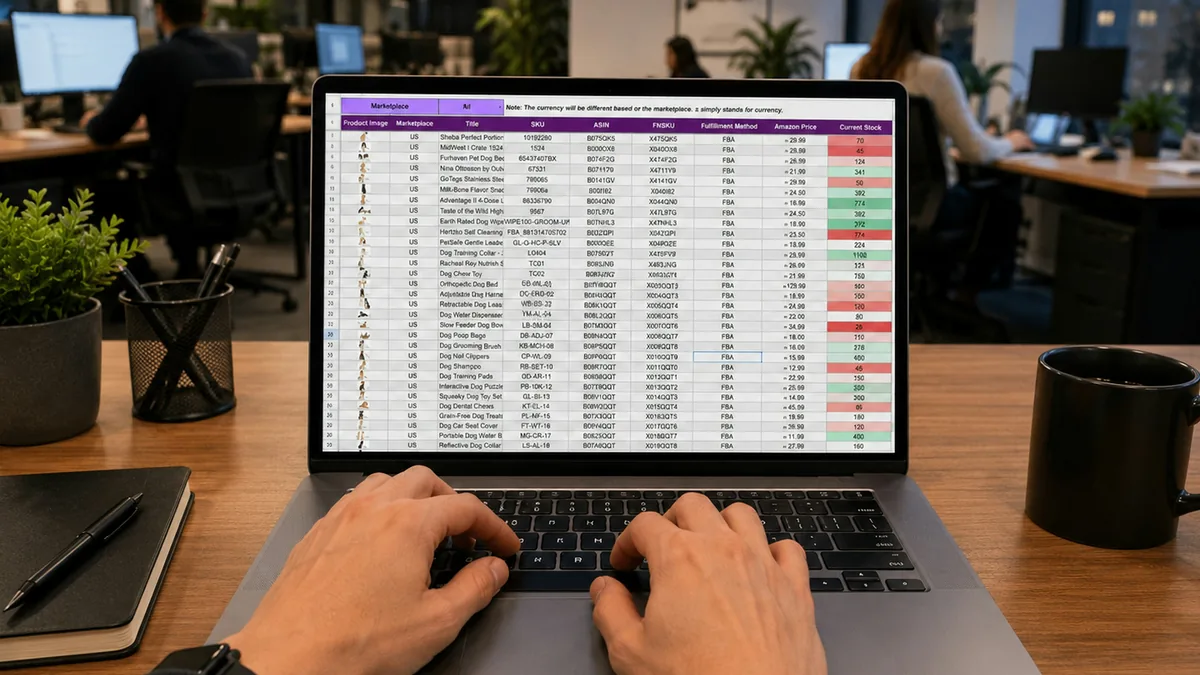
Many companies try to solve the software problem by relying on shared spreadsheets. Spreadsheets are familiar, they cost nothing extra, and they are incredibly flexible. An office manager can build a master file that tracks customer details, order statuses, delivery dates, and invoice numbers in one place.
These files work beautifully on a desk. You can see fifty rows and twenty columns at a glance. You can filter the data, highlight urgent tasks in red, and freeze the top row so you never lose track of what you are looking at.
Then you share that exact same file with the delivery driver or the warehouse team. On a six-inch mobile phone screen, a spreadsheet stops being a useful tool and becomes a narrow, frustrating window. The person holding the phone sees the customer name in column A. To find out what items need to be loaded into the van, they have to swipe right to column G. To update the delivery status, they have to swipe right again to column L.
By the time they reach the end of the row, they have lost horizontal alignment. Their finger slips slightly, and they end up typing the delivery confirmation into the row above, belonging to a completely different customer. If they try to zoom out to see more columns, the text becomes so small it is unreadable. If they zoom back in, they lose their place entirely.
This continuous horizontal scrolling exhausts the user. A person doing physical work does not have the time or the patience to wrestle with a grid on a piece of glass. They give up. They stop opening the shared drive altogether, relying on memory or printed paper, leaving the office looking at an outdated file for the rest of the week.
Work always finds a way to flow, even if the official tools fail. If the provided software is slow, complicated, or requires too much precise tapping on a small screen, the team will simply bypass it. They will find the path of least resistance to get the information out of their hands. In almost every company with a field team, that path is a private messaging app.
The expensive software is left empty, and the actual operations move to a WhatsApp group named after the current year. Because sending a text message is fast and requires no complex menus, the field workers default to it. A technician finishes a repair, sits in the driver seat, and types a quick message stating the job is done and an extra valve was needed.
Ten minutes later, someone else uploads a blurry photo of a handwritten receipt from a building supplier. Shortly after, a third person sends a voice note asking for an address correction for tomorrow. The work gets reported, but the structure is entirely destroyed.
A chat thread is a linear stream of consciousness. You cannot filter a chat group by customer name to see the history of a specific project. You cannot track which completed jobs have been invoiced and which are still waiting for a final calculation. You cannot pull a report on how many extra valves were used across all jobs this month. The information is technically recorded, but it is trapped in a constantly moving timeline, mixed with pictures of traffic jams, holiday requests, and weekend banter.
The immediate consequence of the chat group takeover is that the office staff inherits a massive new workload. They become full-time translators between the field team and the official records.
Someone sitting at a desk has to keep the company chat open all day. They read the text message about the completed repair, open the official system, find the correct project, mark it as complete, and manually add the extra valve to the materials list. They listen to the voice note, figure out which address needs to be changed, and update the calendar. They download the photo of the receipt, rename the file so it makes sense, and move it to the correct folder on the shared drive.
This double administration exhausts everyone involved. The office worker is frustrated because they spend a significant part of their day doing basic data entry on behalf of grown adults. They feel like they are constantly chasing missing information.
The field worker is equally frustrated because the office keeps calling them to clarify details. A project manager will call to ask what a specific text message meant, or which customer a particular receipt belongs to, pulling the worker away from their current task. The company ends up paying for software that no one uses properly, paying a salary for physical work, and paying another salary just to manually copy information from a phone screen into a computer.
The solution is not to enforce stricter rules or to hold more training sessions on how to scroll through spreadsheets on a phone. The solution is to acknowledge that the system must serve the people on the ground.
This is the exact problem we set out to solve. IntrApp is not another program to add to the end of the line. It is the Business Operating System the company runs on. It is not a CRM and not an ERP.
IntrApp covers what a small or mid-sized company does day to day, without the complexity. If you are looking for the deepest tool in one specific area, you will find better elsewhere, and that is fine. This is a decision, not a flaw. The depth of highly specialised software is largely misunderstood and unused by most users. We chose width and clarity over depth, so the person in the warehouse can actually tap a button and move on with their job.
Because the interface is intuitive, there is no need to teach people how to use it. If something is unclear, the manual and the built-in tour explain it directly in the app. You do not need us to get started. You can start alone, and we do not invoice you for implementation or training. If you still want help, our expert team is happy to assist, and that remains your choice.
Every company has specific needs, and a standard interface might miss something crucial for your daily work. If something is missing, you can ask for a feature. If about three quarters of our customers would also use it, we build it for free and everyone gets it. We make the decision on this, because we see the whole customer base. We do not promise overnight delivery, but broadly useful requests get into the development cycle.
For the things that remain below the threshold because they are unique to your company, they are built on a separate branch as paid custom development. You get your specific tool, and you still receive the common updates.
You might think your industry is too specific for this model. It is not. The professional knowledge belongs to the client, the development belongs to us, and the two work together. You know the regulations, the correct order of steps, and where the process usually fails. We know how to build a system that runs tomorrow, gets updates, and does not fall apart from the first exception.
Tomorrow morning, take a look at your company chat groups. If they are full of job updates, photos of receipts, and questions about schedules, your current system is failing the field team. You can start the free trial of IntrApp, set up your basic workflow, and hand it to a technician. The automated setup takes about thirty minutes, and you are live. Let them try it on site. If it does not make their day easier, you can cancel it just like a streaming subscription.
If this topic is useful to you, carry on with these.
Systems and tools
Your company already runs on something. Not a CRM and not an ERP, but the system your work, your customers and your decisions actually run on.
Systems and tools
Five signs, and none of them depends on which software you run. Plus the three situations that look exactly like this but are not.
Systems and tools
Excel is a precise tool for calculation, but not for keeping records. Four concrete limits of the spreadsheet, and what to move out of it first.
The demo runs on a made-up company's full dataset, with no sign-up. A few features are switched off, and it resets every night.